
Tips for navigating etrac
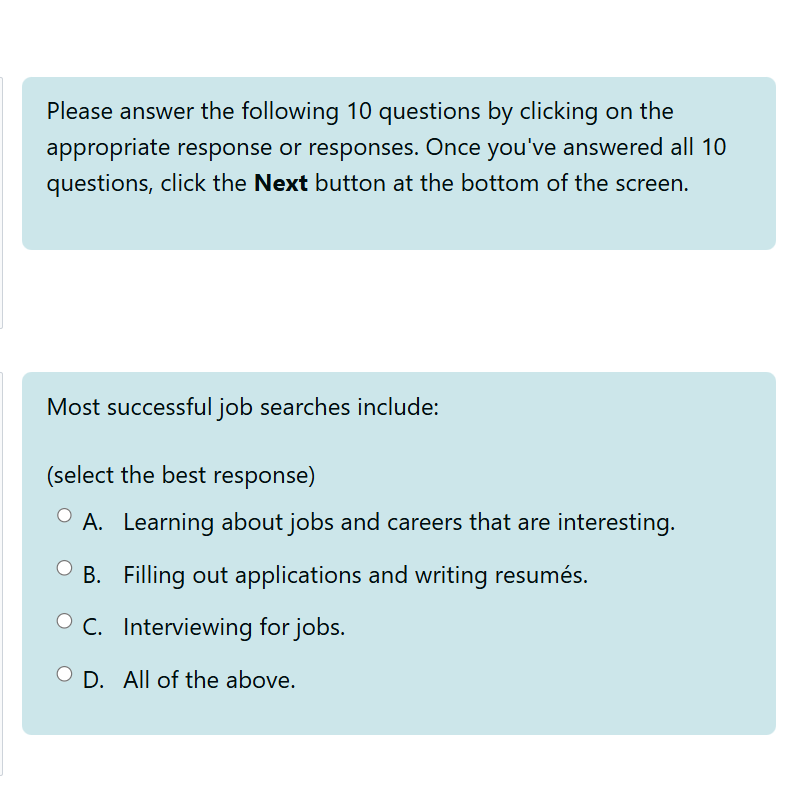
Pre-assessments
A 10-question quiz which assesses the learner’s knowledge on subject matter before beginning the course. Learners must complete the pre-assessment before they can access the course content.
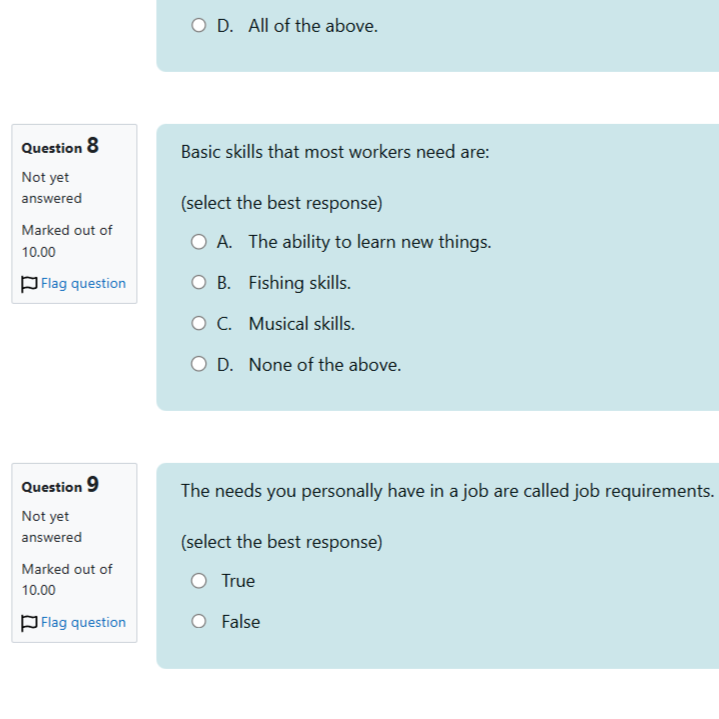
Post-Assessments (HTML5)
A 10 question quiz which assesses the learner’s knowledge on the course content after completion of the course and can be compared to the pre-assessment results to track progress and identify areas for additional follow-up.
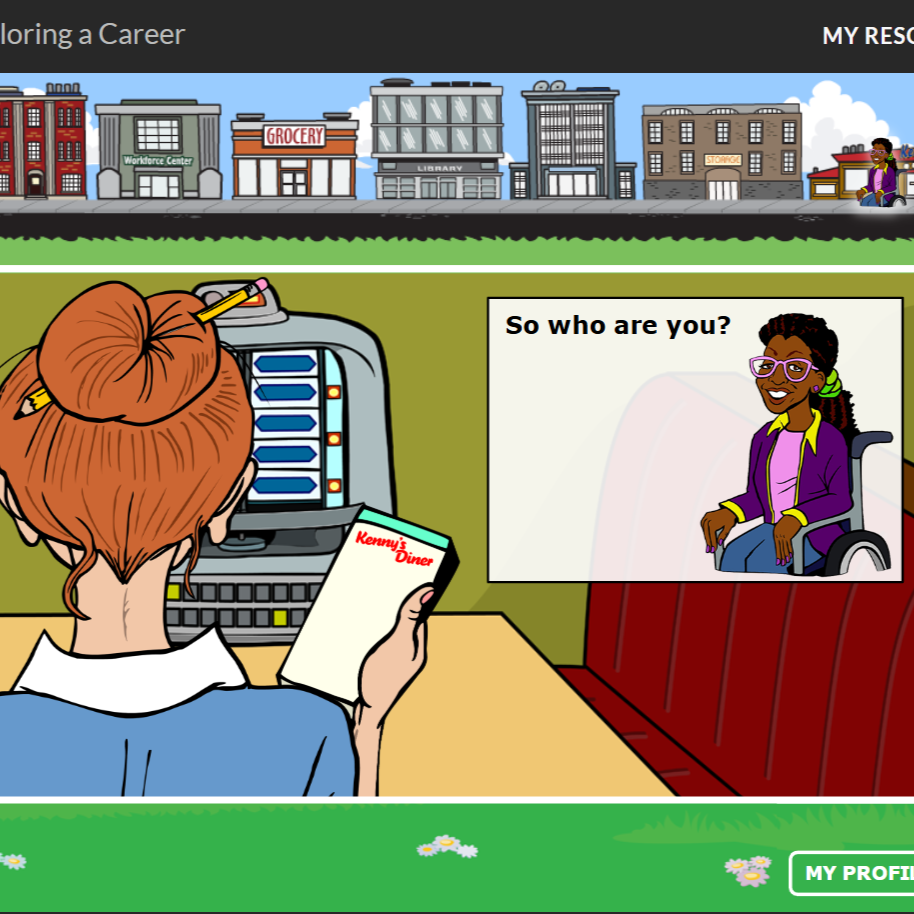
eLearning (html5)
This is the multimedia-rich version of the course content with videos, animations, and exercises – learners should choose either the HTML5 version or the Text-Based Version.
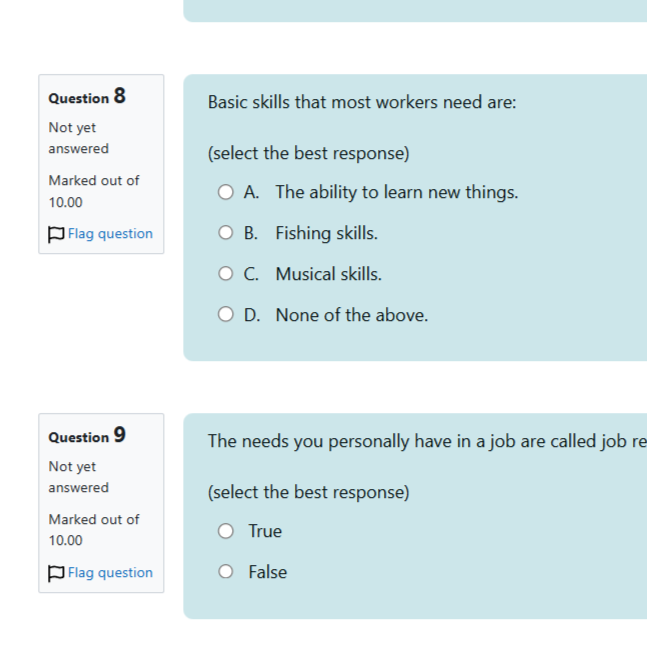
Post-Assessments (text-based)
A 10-question quiz which assesses the learner’s knowledge on the course content after completion of the course and can be compared to the pre-assessment results to track progress and identify areas for additional follow-up. Students utilizing the text-based version will be automatically directed to this version.

eLearning (text-based)
This is an interactive text-based version of the course content which is optimized for screen readers and braille displays. This can also be used by those who prefer a less visually rich learning environment. Learners should choose either the HTML5 version or the Text-Based Version.
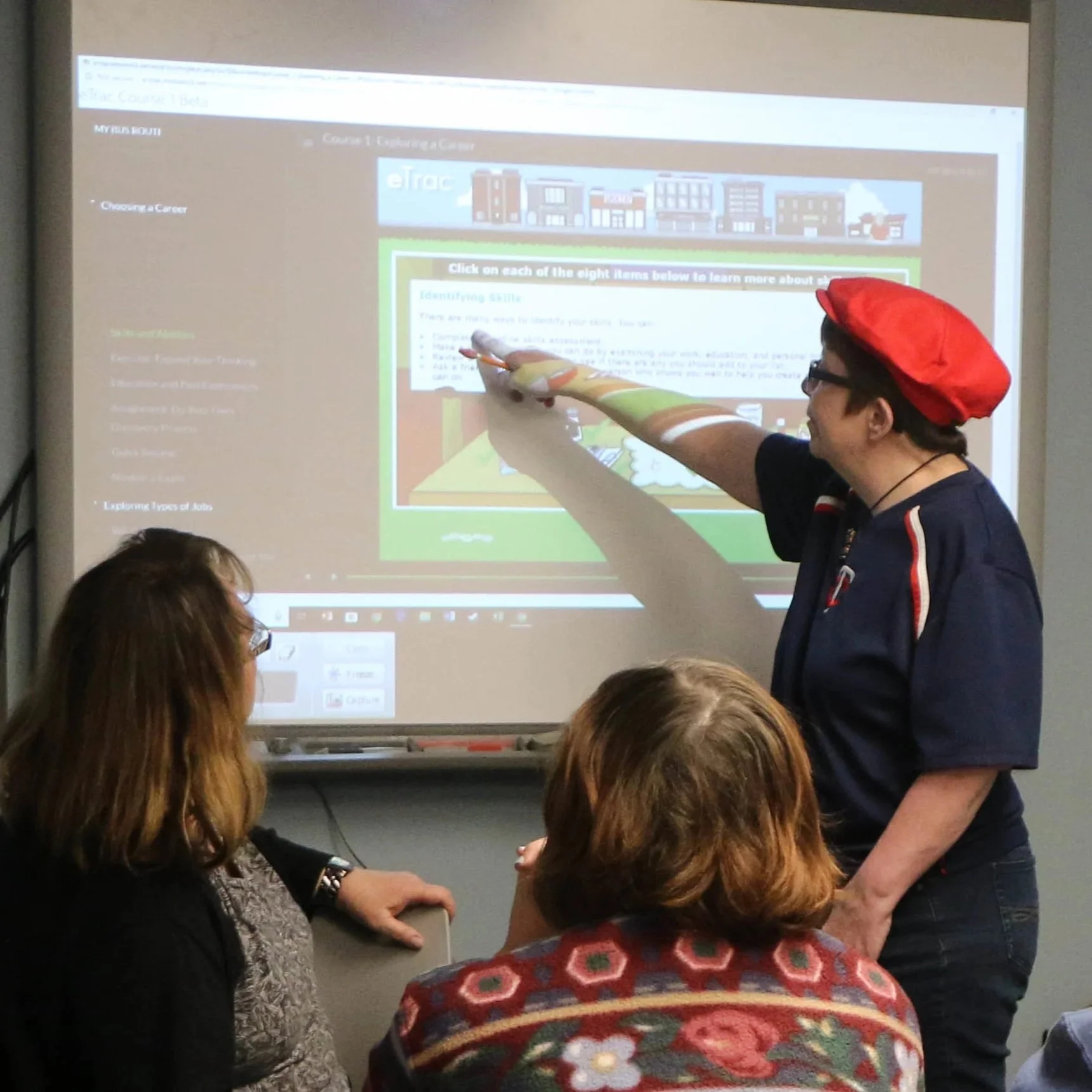
FACILITATOR’S VERSION
An unlocked version of the course content which facilitators, VRS staff, CRPs, LUVs, school staff can use to navigate freely throughout the course content. Unlike the student version, this allows you to navigate to any point in the course you would like for the purposes of facilitating eTrac with individuals or a group of people.